
AI Hair Color Changer: See Your New Hair Color Before You Dye
Upload a photo, pick from 30+ shades, and try hair colors online free before you dye.
Free credits when you sign up30+ preset shadesColor only, haircut staysRuns in your browser
Failed generations are never charged
Virtual hair color try on, from photo to verdict
What the tool is, which shades it previews, and how much you can trust the results.
What Is an AI Hair Color Changer?
A hair color simulator with an AI engine
Upload one photo. The AI finds the hair in it and renders the new shade around your own strands, shine, and lighting, in seconds.
More than one brand's shade card
A dye brand's try-on shows only its own line. This palette isn't tied to one counter: naturals, silvers, and bold fantasy shades like blue, purple, and rose gold.
No app, no download
The whole thing runs in a browser tab, desktop or phone. Open the page, upload, preview. Nothing to install, and every generation saves to your history.
Try Hair Colors Online: What Colors Can You Preview?
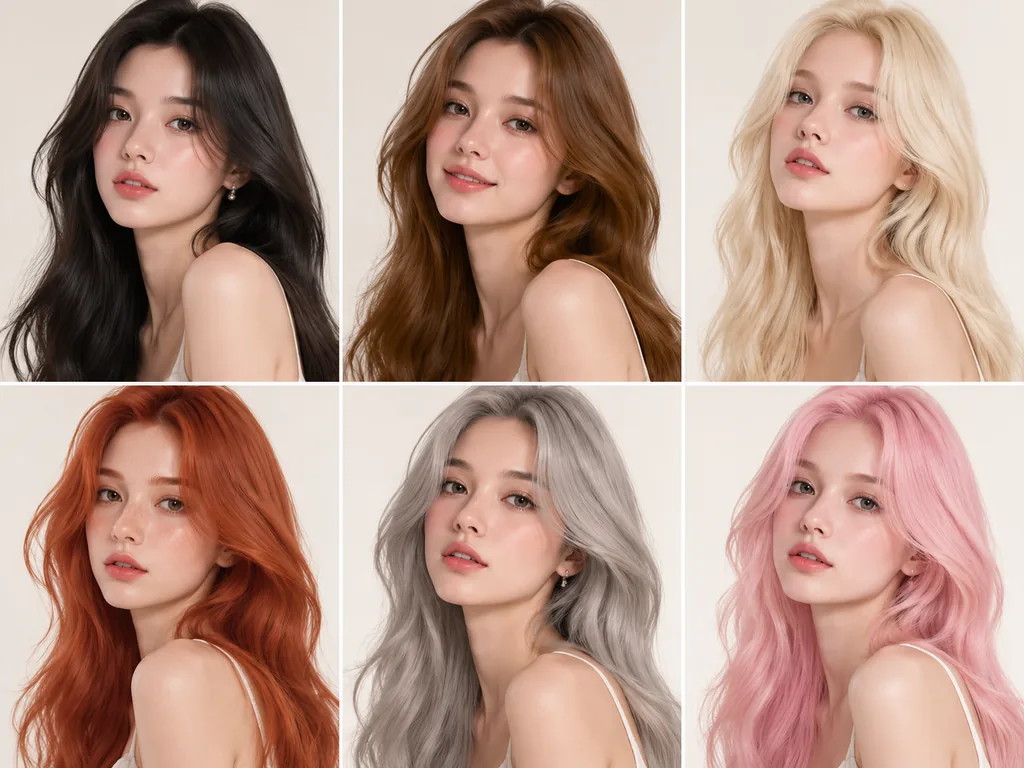
Six shade families, 30+ presets
Black, brown, blonde, red, silver and white, plus bold and fantasy. Standouts run from jet black and chestnut to honey blonde, copper, and titanium, plus a gray shade in the silver group.
Highlights and dimension
Two highlight presets, blue and pastel pink, layer a second tone over your base. If you're weighing balayage, money piece, or ombre, they give you a quick read on dimension.
Dark hair? Mind the bleach gate
A preview shows the target shade, not the chemistry to get there. Pale blondes on black or dark brown hair need real bleaching first. Factor that in before you fall for platinum.
Where 2026 trends point
This year's looks lean toward natural dimension, glossy finishes, and low-maintenance shades. Think butter blonde, glossy espresso, and cherry cola, the names stylists expect to hear all season.
How to Pick a Hair Color That Suits You
Start with your undertone
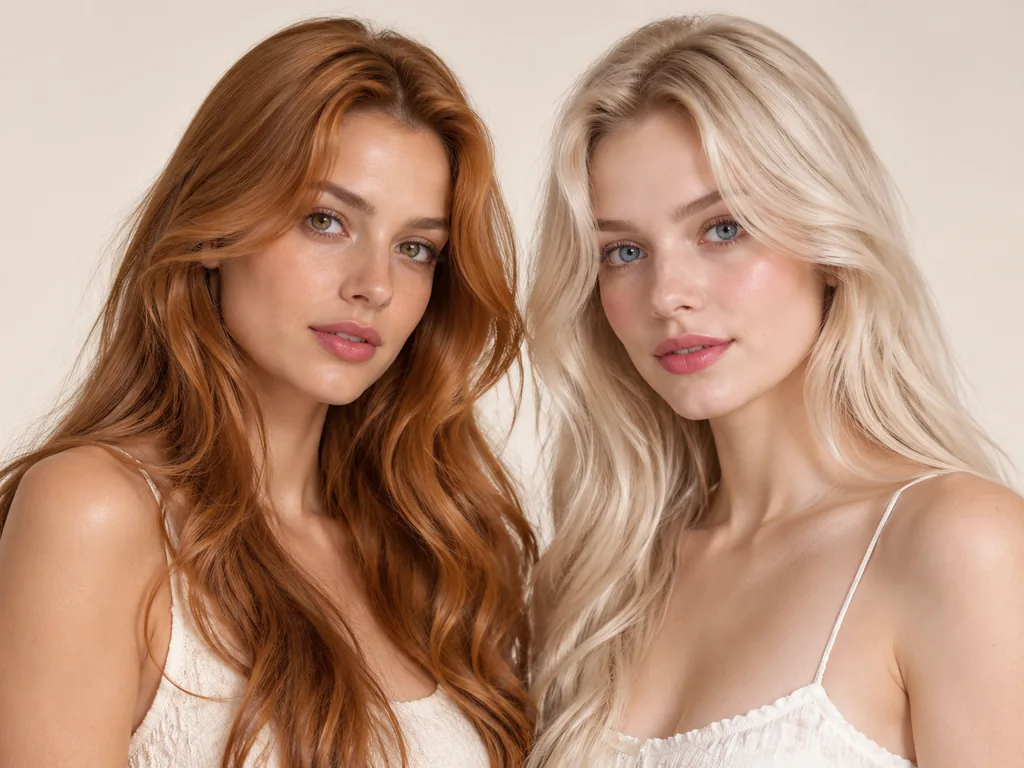
Warm skin leans golden, honey, and copper. Cool skin leans ash, platinum, and cool brown. Neutral skin pulls off espresso and chocolate.
Know your starting level
Colorists use hair color levels, a 1-to-10 scale from black to lightest blonde. Your starting level sets the runway: the darker the base, the more bleach a pale shade demands.
Preview, then decide
Shortlist two or three shades, render each on your photo, and compare side by side. Your face settles the debate faster than any chart.
How Accurate Are AI Hair Color Previews?
How the AI renders color
Three stages: detect the hair region, map the strands and texture, then composite color and lighting so the shade follows your hair's shine and shadow.
What a preview can tell you
It tells you whether a shade flatters your skin tone and how bold it reads in daylight. The best AI hair color changer stops there, and that’s enough to build a shortlist.
What it can't promise
A preview isn't a salon guarantee. Real color depends on your hair's natural pigment, its porosity, and the formula your colorist mixes. Even L'Oréal reports an average hair color rendering accuracy of 88% for its own virtual try-on.
Patch test before real dye
Any real colorant deserves a patch test 48 hours ahead, the same advice L'Oréal gives on its own try-on page. A preview sells you the shade; the patch test keeps your scalp safe.
How to Change Your Hair Color in a Photo
Change hair color online free in three steps, from upload to side-by-side comparison.

Step 1: Upload your photo
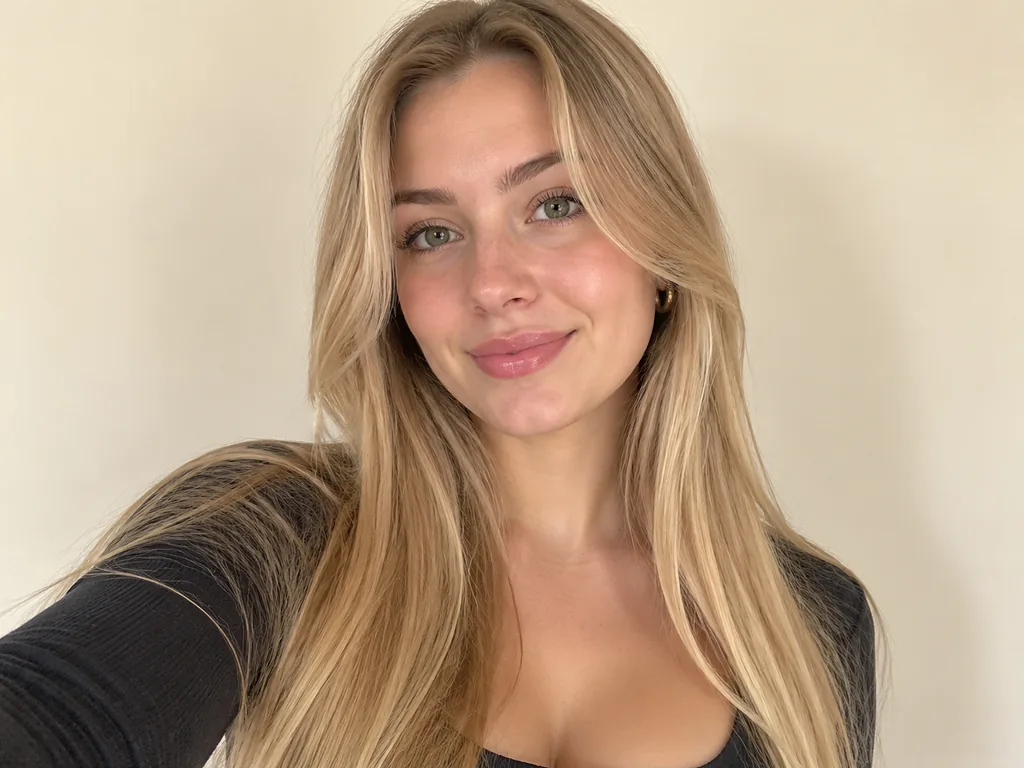
Start with a clear, front-facing photo of you in even, natural light, hair fully visible. The sharper the photo, the cleaner the render. Your phone's browser works fine, so a decent selfie does the job.
Step 2: Pick a shade from the palette
Choose from the 30+ presets: blacks, browns, blondes, reds, silvers, and bold tones, plus highlight presets. One tap sets your shade. The AI locks your face, expression, and background while it works.
Step 3: Preview, compare, and download
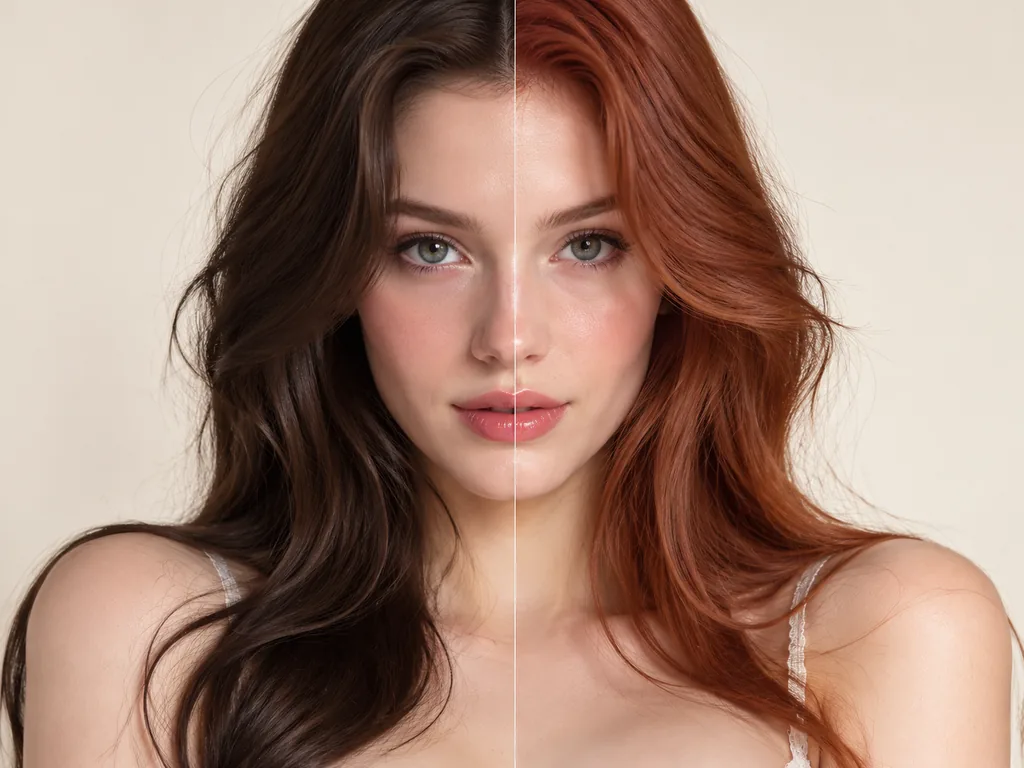
The render lands in seconds. Try several shades, put them side by side, and download the winner. Signed-in accounts keep every generation in history, so your shortlist survives the night.
Why Try Hair Color Online Before You Dye?
A wrong shade at the salon costs money and months of grow-out. A wrong preview costs another preview.
Zero risk before you commit
See copper or platinum on your own face before a single tube of color gets opened. Nothing touches your hair until you say so.
Kind to your hair
Bleach damage is permanent; a preview isn't. Test-drive fantasy shades like rose gold and pastel pink with no chemistry involved.
Saves time and money
Walk into the salon with a shortlist of one or two shades, not a mood board of forty. Fewer experiments, fewer corrections, cheaper visits.
Free credits to start
Sign up and free credits cover your first previews. The tool runs in any browser, phone included. See how free credits and pricing work.
Color only, cut untouched
The tool changes just the shade. Your haircut, length, and style stay as they are, so you judge the color on the hair you actually have.
Your photo stays yours
Your upload is used only to render your preview. Each generation lands in your own history, under your own account.
Who Is an AI Hair Color Changer For?
Three groups reach for an AI hair color changer first. One of them is you.
The Decision-Maker
You're three weeks out from a salon appointment and torn between auburn and chestnut. Preview both on your photo, then settle the cut question too: should you get bangs?
The Content Creator
A new shade can carry a rebrand, a thumbnail series, or a Halloween reveal. Generate looks on your own photo instead of a wig budget, and pull past renders from your history anytime.
The Professional Stylist
In a consult, show auburn versus copper on the client's actual photo instead of describing it with your hands. It turns 'trust me' into 'look at this'.
Common questions about trying hair colors with AI
The questions searchers type before their first preview.
See the shade on your own photo before you dye
One clear photo, the full palette, and free credits when you sign up. Book the salon only when you're sure.
Upload your photo