Free AI Photo Editor Online
Edit photos with simple text prompts: remove backgrounds and objects, restore old photos, and change styles with the world's top AI models. Free to get started.
Rated 4.9+
by GlowArt Users
50M+
Pictures Created
Trusted By 800+
Organizations
Edit Photos with the World's Best AI Models
One editor, every frontier model. Switch anytime with no extra subscriptions. New models added within days of release.
Nano Banana 2
Multi-reference edits with fast style control.
Nano Banana Pro
4K renders and advanced image editing.
Nano Banana
Gemini Nano Banana image model - sign in to start.
Seedream 5.0 Pro
Professional 1K/2K generation and multi-reference editing.
Seedream 5.0 Lite
Cinematic realism and dramatic lighting.
Seedream 4
Consistent 1K/2K/4K images and multi-reference edits.
GPT Image 2.5
Flare: fast creation, reference fidelity and natural detail.
GPT Image 2
Precise prompts, clean text, product shots.
GlowArt
Free AI photo editing with no sign-up.
Edit Any Image with AI
Upload a photo, tap an effect, done within 30 seconds.
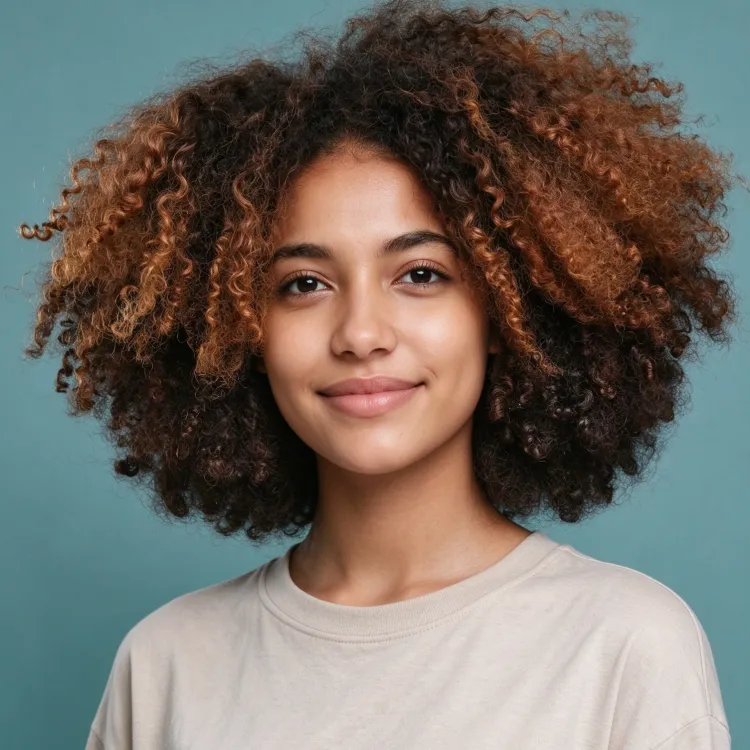
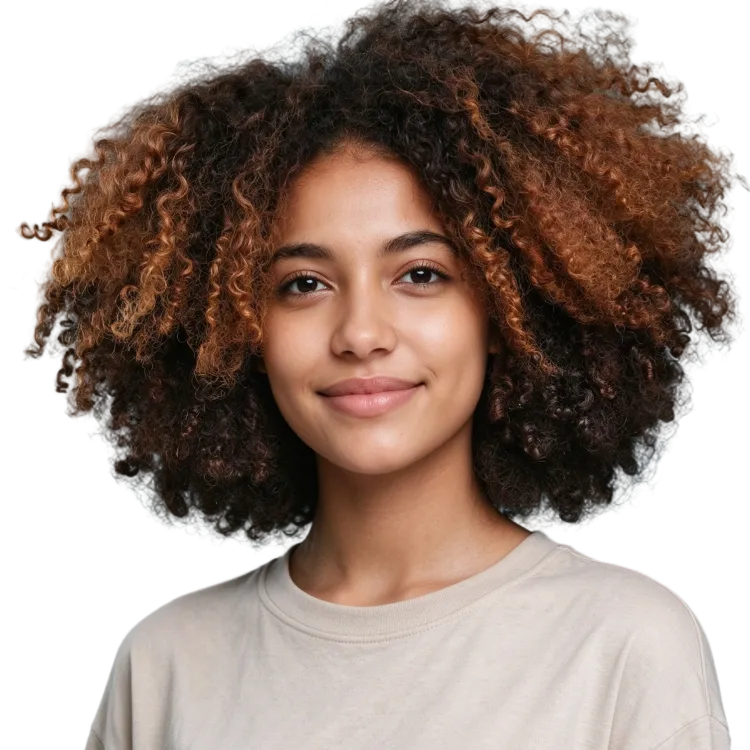
AI Background Remover
One-click cutouts with clean, hair-level edges
Remove Object from Photo
Erase people, wires, and clutter from any photo
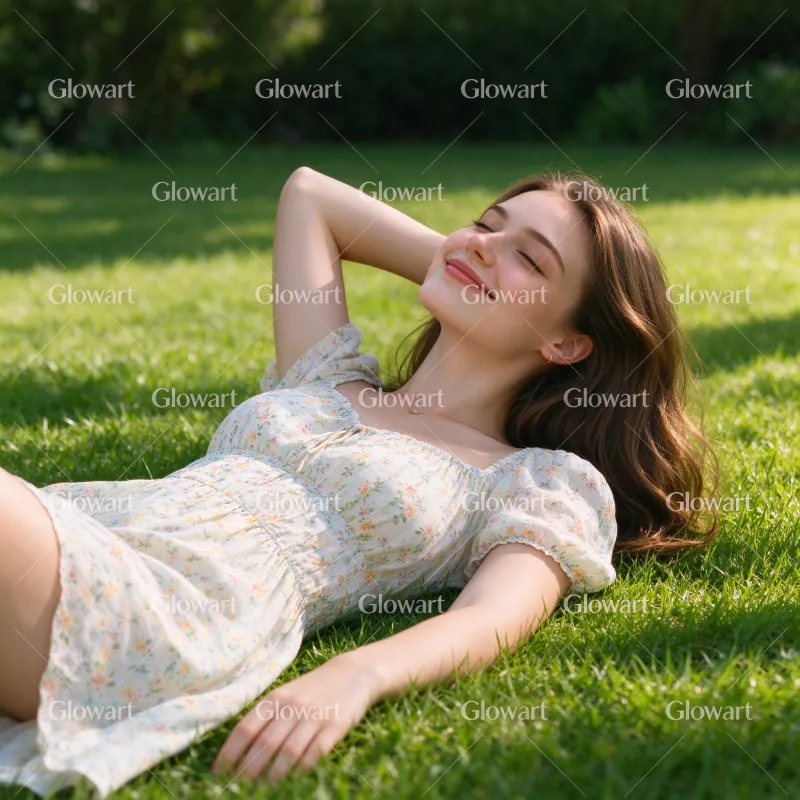
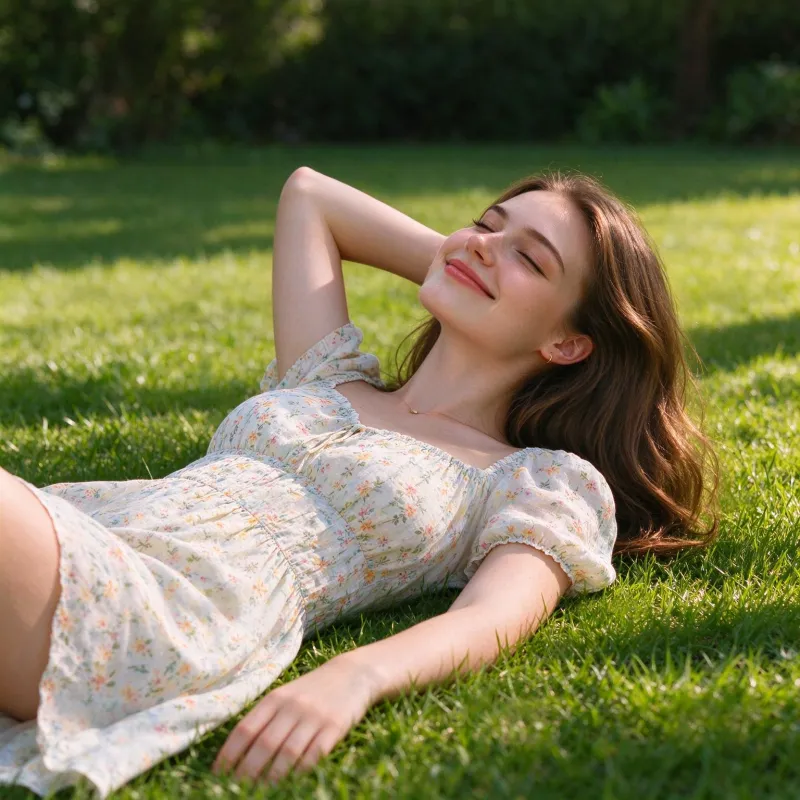
AI Watermark Remover
Remove text, stamps, and watermarks from any image
Change Background
Studio white, lifestyle scenes, or anywhere you like
Generative Fill
Add or replace anything just by describing it
AI Image Expander
Expand the frame to fit any aspect ratio
AI Photo Style Transfer
Transform any photo to any style: Ghibli, anime, oil painting, watercolor, vintage, and more.
Photo to Oil Painting
Visible brushwork and rich, layered color
Ghibli AI
The soft watercolor warmth of a Miyazaki scene
Photo to Anime
Crisp lines and vivid color, your photo as an anime cel
Turn Photo into Watercolor
Soft bleeds and the paper grain of a hand painting
Vintage Photo Filter
The grain and faded edges of a 1970s color print
More Styles
20+ artistic effectsRestore Old, Blurry, Damaged Photos
Colorize, repair, sharpen and de-blur faded family albums. Bring decades-old prints back to life.
Colorize Black and White Photos
See your grandparents in color for the first time
Restore Old Photos
Fix decades of damage: scratches, creases, missing corners
Unblur Image
Sharpen blurry photos that are too precious to lose
Photo Quality Enhancer
Turn tiny, pixelated scans into sharp, high-quality photos
AI Image Upscaler
Upscale 2x/4x/8x while keeping the details
Restore Faded Photos
Bring back the colors time washed out
What is GlowArt.ai?
An AI photo editor uses generative models to edit from plain-language instructions. No layers, no masks, no sliders. Type "remove the power lines" or "make it sunset". GlowArt understands and re-renders the photo in roughly 30 seconds.
An AI image generator creates a new image from scratch. An AI image editor changes the photo you already have. GlowArt is a powerful AI image generator and a full AI photo editor in one workflow. Need ideas? The prompt gallery has plenty.
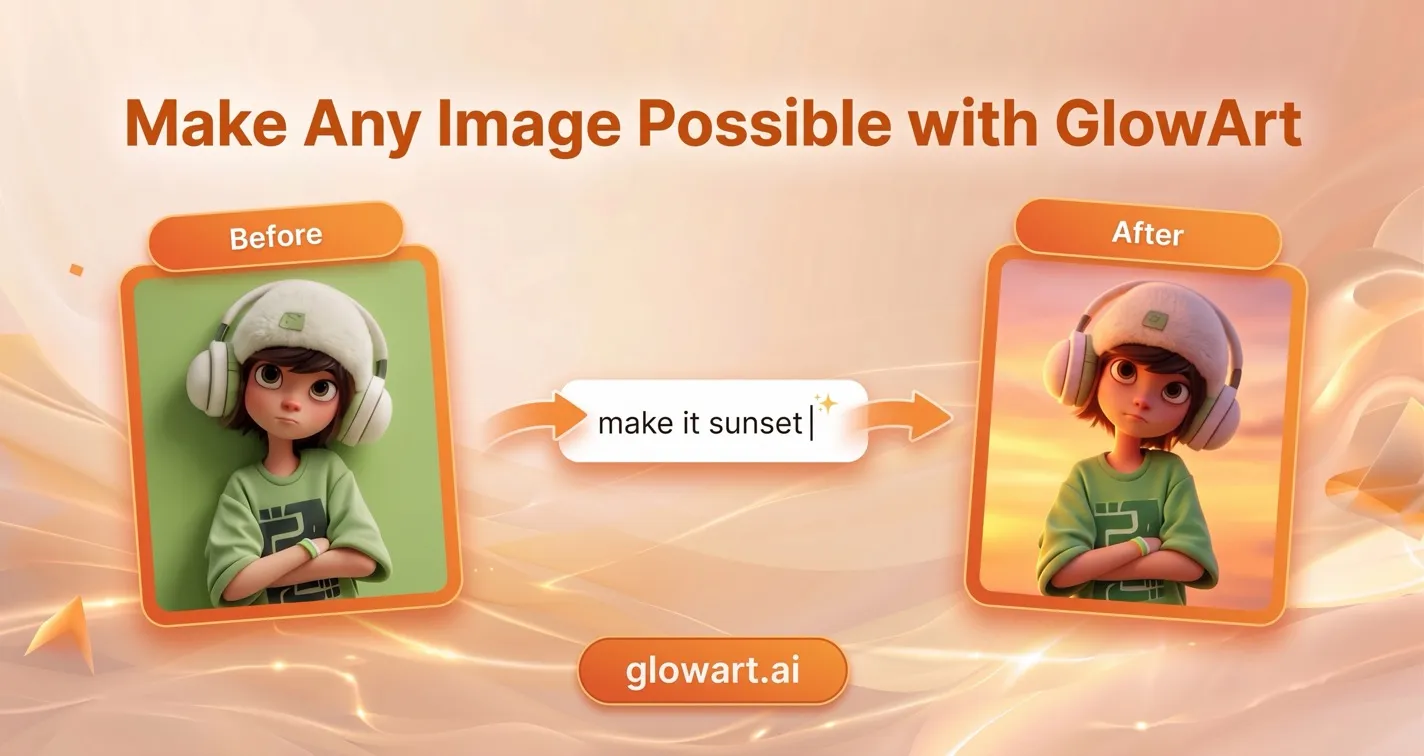
How to Edit a Photo with AI
Three steps, no design skills needed. If you can describe the edit in plain words, glowart.ai can make it. No sign up, no tutorials, nothing to learn.
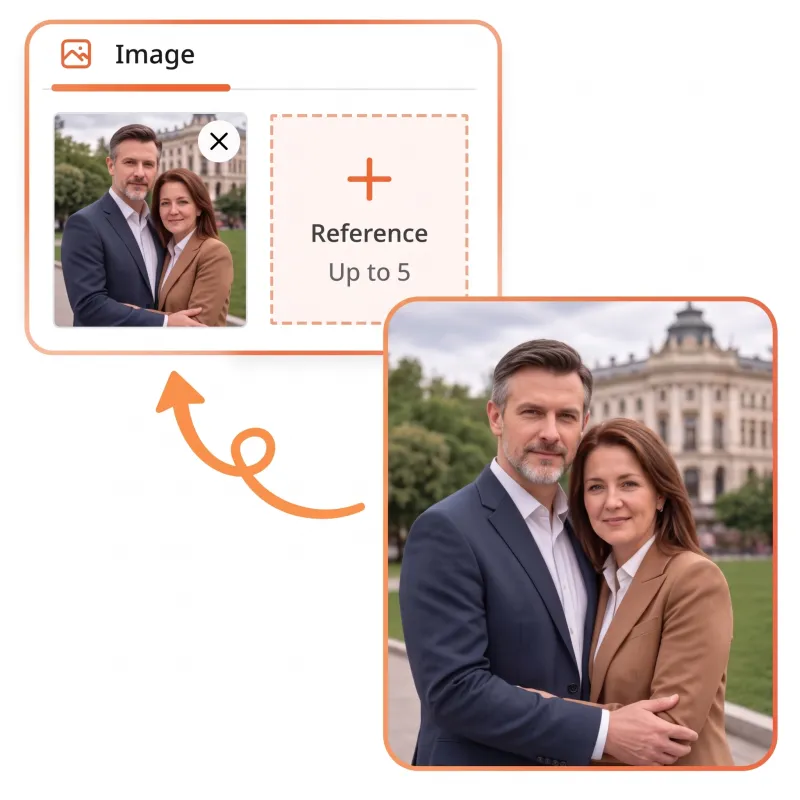
Step 1: Upload your photo
Drag and drop a JPG, PNG, or WebP file (up to 20 MB), or pick one from your device. The free AI photo editor runs entirely in your browser — no sign-up, no software to install.
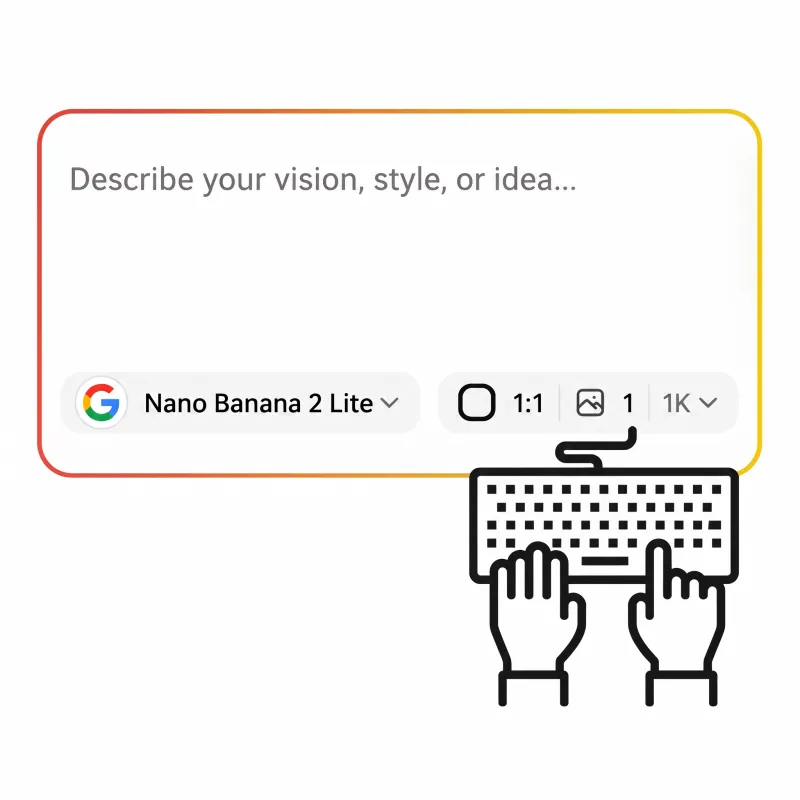
Step 2: Describe your edit
Type what to change, like "remove the background" or "restore this old photo". The AI image editor handles objects, styles, upscaling, and restoration the same way — no layers, no brushes, no tutorials.
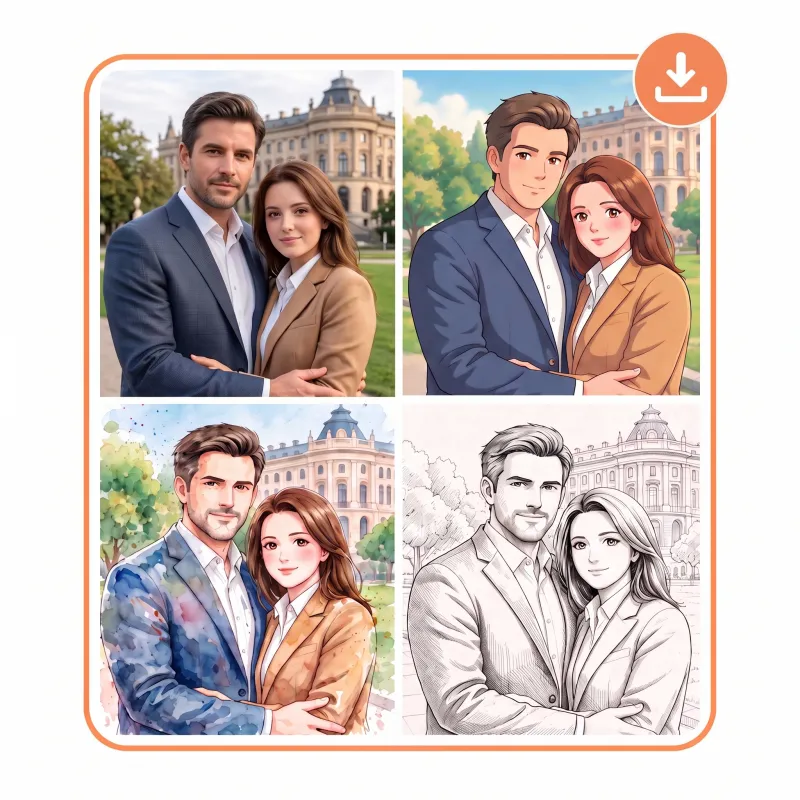
Step 3: Download the result
Preview the edit and download it in up to 4K resolution, ready for listings, posts, and print. Not perfect? Refine the prompt and run it again — every download is watermark-free.
Why Choose GlowArt as Your AI Photo Editor
Everything the big-name editors do. Try it free without an account. One subscription unlocks every frontier model. No learning curve.
Free to Start, No Sign-Up
Try every core effect in this AI photo editor right away. Free credits refresh daily. Every download is watermark-free. No credit card required.
Every Top Model in One Editor
GPT Image 2.5, Nano Banana Pro, Seedream 5.0 and more. Renders up to 4K. Pick the right model for each job without juggling subscriptions.
Results in Seconds, Not Hours
The AI photo editor finishes most edits in under 30 seconds, right in your browser. No downloads, no installs, and no rendering queue for simple fixes.
Edits That Stay Consistent
Faces, outfits, and styles stay stable across a whole set of images. Ad sets, product lines, and AI model try-ons look like one shoot.
Private by Default
Your uploads are never used for training and never sold. You can delete any uploaded file at any time. Your photos stay yours.
Commercial Use Included
Eligible paid plans include a full commercial license. Use outputs for product listings, ads, and client work. No separate fees.
Who Is This AI Image Editor Best For?
One AI photo editor, many different jobs. Pick the tab that sounds like your work.
Product Photo Editing for Your Online Store
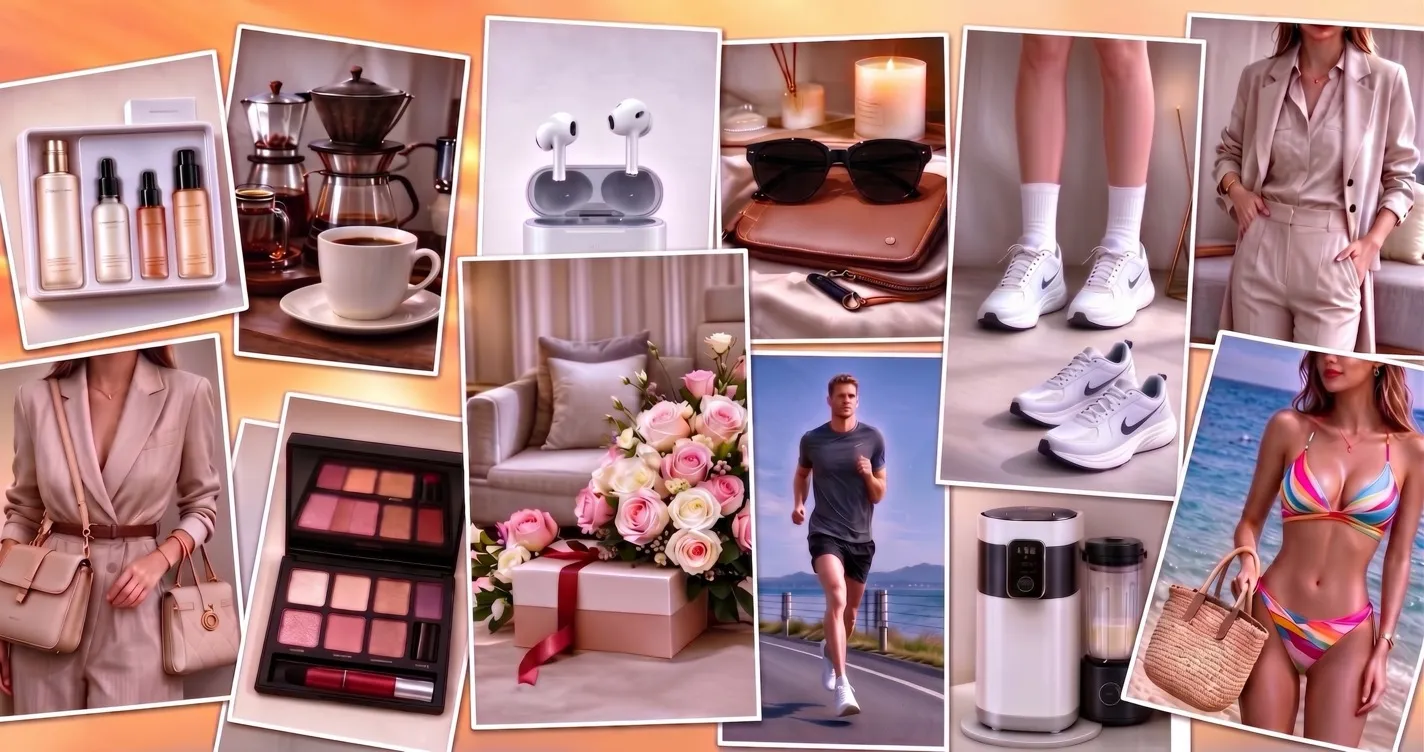
Skip the studio. Turn supplier photos into listing ready product images with this AI photo editor. Remove backgrounds. Make white background shots. Build lifestyle scenes with AI models. Your whole catalog, ready in minutes.
- White background product shots for Amazon and Shopify
- Lifestyle scenes with AI models
- Upscale low quality supplier photos
Natural Photo Retouching for Client Work
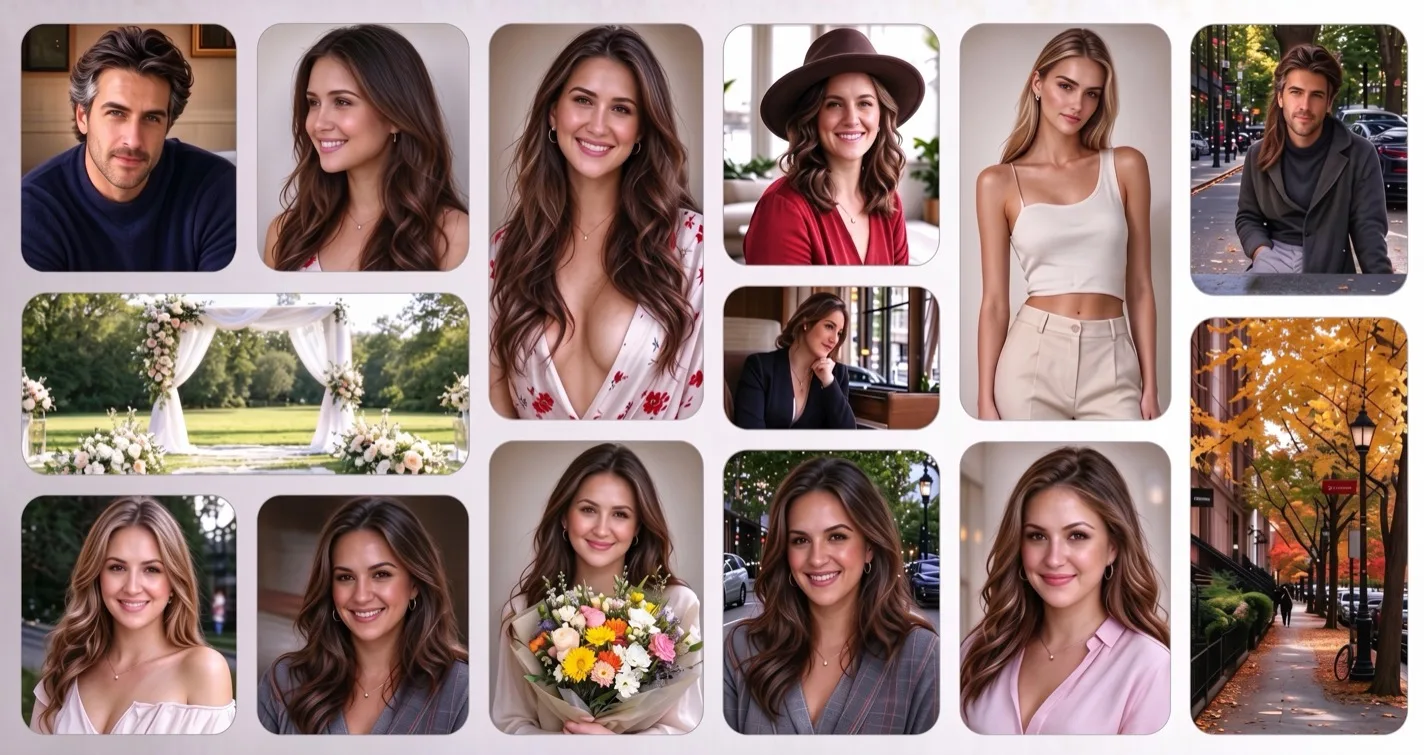
Cut retouching hours to minutes. The AI photo editor cleans skin and light with natural results. Keep faces recognizable. Restore old client archives. Upscale images for large prints. All in one browser tab. No subscription software.
- Natural skin and light retouching
- Old photo restoration for client archives
- Upscale photos for large prints
Free AI Photo Editor for Everyday Photo Fixes
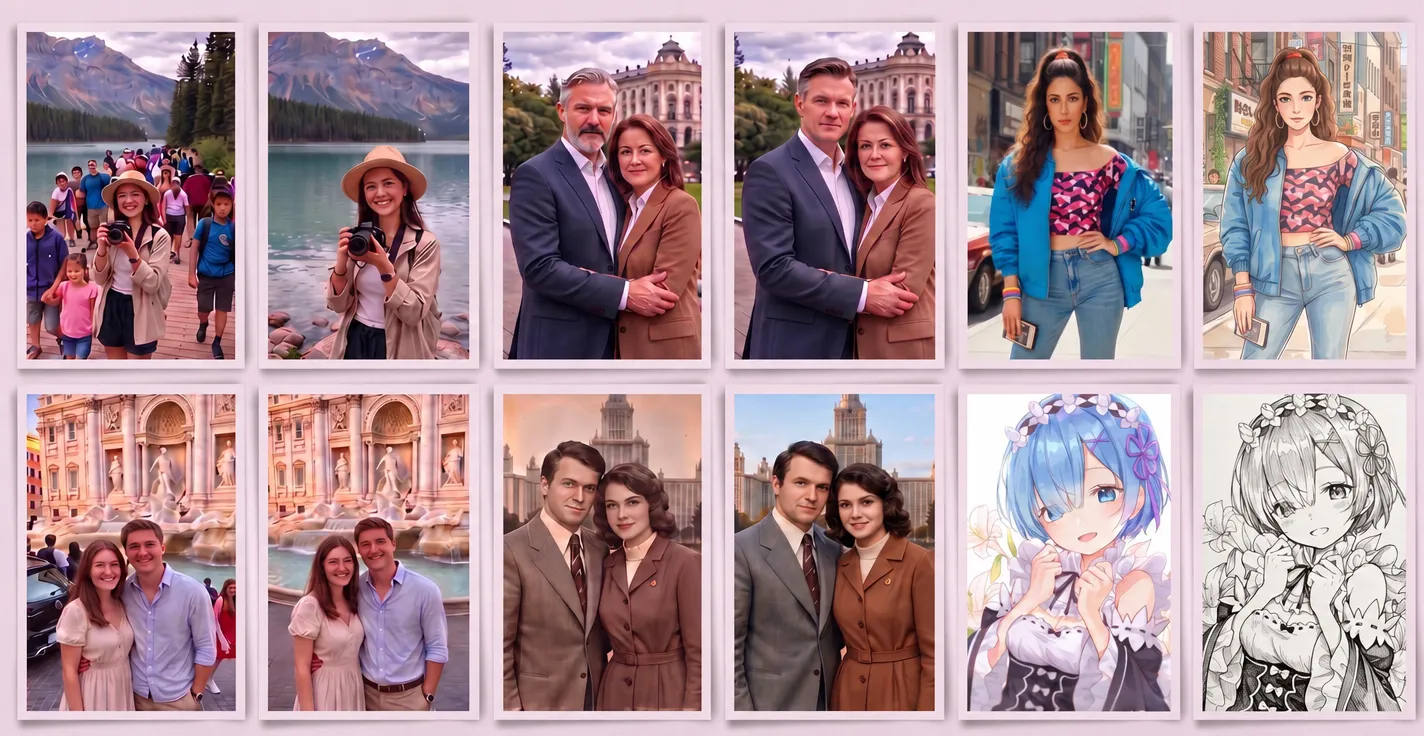
No skills needed. No sign up required. Describe the fix in one line and the AI image editor does the rest. Remove photobombers. Unblur photos. Restore and colorize old family photos. Free to start. Results in under a minute.
- Remove photobombers and objects
- Unblur and sharpen group shots
- Restore and colorize old family photos
GlowArt.ai vs. Traditional Editing Software
Prompt-driven AI photo editors change the math on everyday photo work. Here is the honest comparison.
| GlowArt AI editor | Traditional photo editors | Single-purpose AI apps | |
|---|---|---|---|
| Learning curve | Type what you want changed | Layers, masks, and months of practice | Low — one tap, that's the appeal |
| One object removal | One prompt, half a minute | 5 to 15 minutes of careful cloning | Fast — when it has that tool |
| Getting started | Free to start in your browser | Subscription plus training time | Freemium, often weekly subscriptions |
| AI models | Every frontier model, switchable | One vendor's engine | One built-in engine, no choice |
| Where it runs | Any browser, any device | Full toolkit needs the desktop app | Mobile-first; web varies |
Start Editing Photos with AI for Free
Most edits finish in under 30 seconds. No sign-up needed to start. The AI photo editor runs right in your browser. Stack edits one prompt at a time. Every project lives in your AI image editor history. Built for photographers and power users.
Free to startNo watermarkCommercial use OK
Pricing
Choose the plan that fits your needs
AI Photo Editor FAQ
Have another question? Contact us at support@glowart.ai